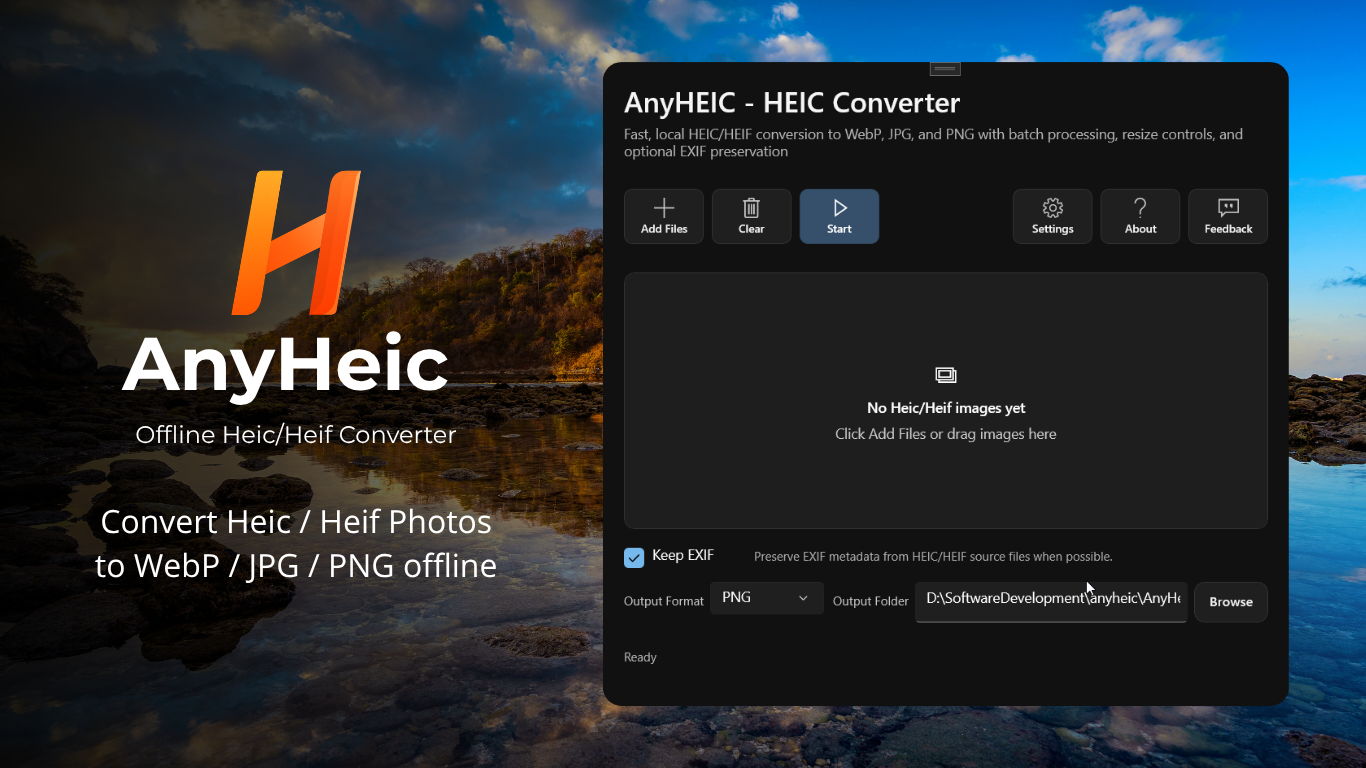
AnyHeic - Heic Photo Converter for Win
 for PC
Convert HEIC and HEIF images to JPG, PNG, or WebP quickly and securely on your Windows device.
AnyHEIC is designed for simple and efficient image conversion. Add multiple HEIC or HEIF files, choose your preferred output format, adjust the image settings, and convert them all in one batch.
All image processing is completed locally on your computer. Your photos are never uploaded to a server or cloud service, helping you keep personal images and metadata private.
CONVERT HEIC AND HEIF IMAGES
-
Convert HEIC and HEIF files into widely supported image formats:
- - HEIC to JPG
- - HEIC to PNG
- - HEIC to WebP
- - HEIF to JPG
- - HEIF to PNG
- - HEIF to WebP
JPG is ideal for photos and broad compatibility, PNG is suitable when you need high-quality image output, and WebP can help reduce file size while maintaining good visual quality.
BATCH IMAGE CONVERSION
Add multiple HEIC or HEIF images and convert them together.
AnyHEIC is built for batch workflows, helping you process photo collections efficiently without converting files one at a time.
PRESERVE EXIF METADATA
Enable the Keep EXIF option when you want supported image metadata to be retained in the converted files.
This can help preserve useful information from the original HEIC or HEIF image, including supported camera and photo metadata.
FLEXIBLE IMAGE RESIZING
-
Choose how the output image dimensions are handled:
- - Keep the original image size
- - Resize to a custom width and height
- - Resize by percentage
These options make it easy to prepare images for websites, documents, email, storage, or sharing.
WEBP QUALITY OPTIONS
When converting images to WebP, you can adjust the output quality or enable lossless conversion.
Choose a smaller file size for easier storage and sharing, or use higher-quality settings when image detail is more important.
COMPLETELY OFFLINE AND PRIVATE
-
Your images stay on your device throughout the entire conversion process.
- - No image uploads
- - No cloud processing
- - No external conversion server
- - Works without an internet connection
- - No account required for local image processing
AnyHEIC is suitable for personal photos, private files, work images, and other content that you prefer to process locally.
SIMPLE WINDOWS WORKFLOW
Import your HEIC or HEIF files, choose an output format, adjust conversion settings, and export the converted images.
AnyHEIC provides a clean and straightforward workflow for everyday image conversion on Windows.
Start using AnyHEIC and convert HEIC or HEIF images to JPG, PNG, or WebP quickly, privately, and offline.
to leave a comment.
Rate this product and tell others what you think