Draw Text On A Path
Put any text on a path you create!
 for PC
This promotion includes the following:
- Draw Text On A Path ($5.97)
- Put Images On A Path ($11.98)
For easier reference here are the direct installer URLs. You can install and try the two applications (Draw Text On A Path and Put Images On A Path) for as long as you want. Once you decide to purchase a license for one of the applications, all features of the registered application will become unlocked. Each of these two applications requires a different registration code but they are presented together here because they are closely related, one rotates texts and the other one rotates images:
Draw Text On A Path
http://download.bitsdujour.com/bdj/downloads/2023/drawTextOnAPath.zip
Put Images On A Path
http://download.bitsdujour.com/bdj/downloads/2023/putImagesOnAPath.zip
You can visit the Put Images On A Path promotion page by clicking here.
Are you looking for a way to generate beautiful texts which you can add to your images, designs and can fit pretty much anywhere? Today's Draw Text On A Path application offers exactly that at a very low price.
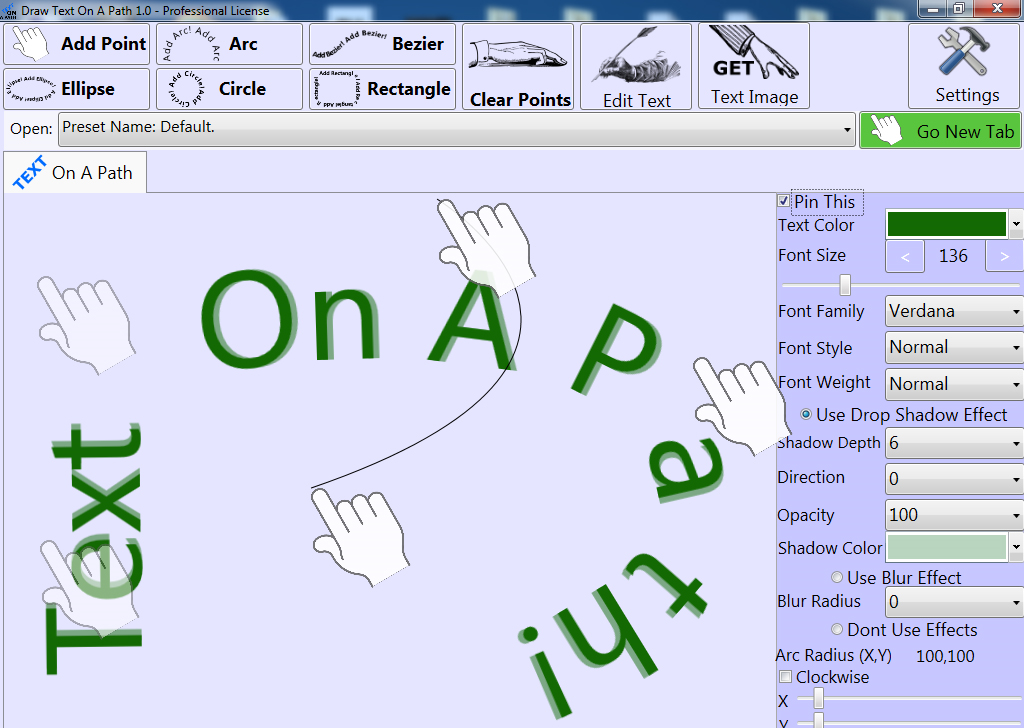
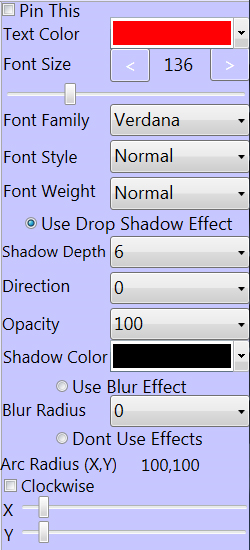
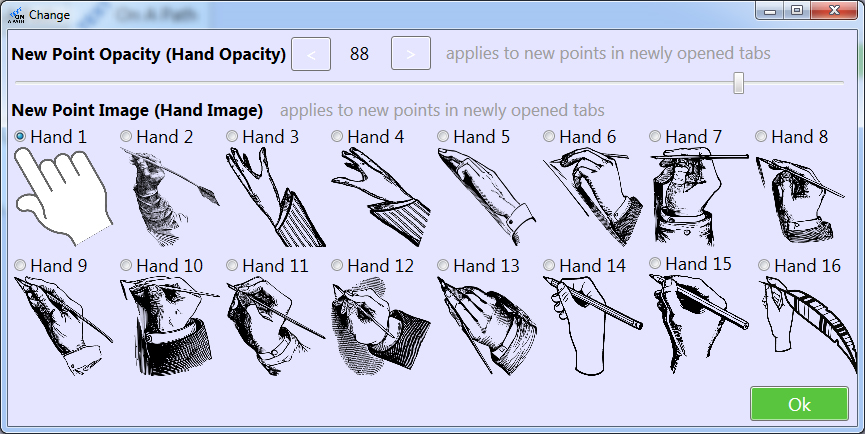
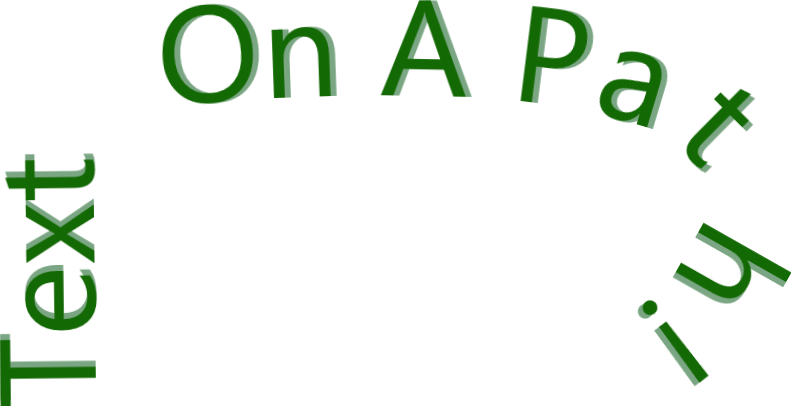
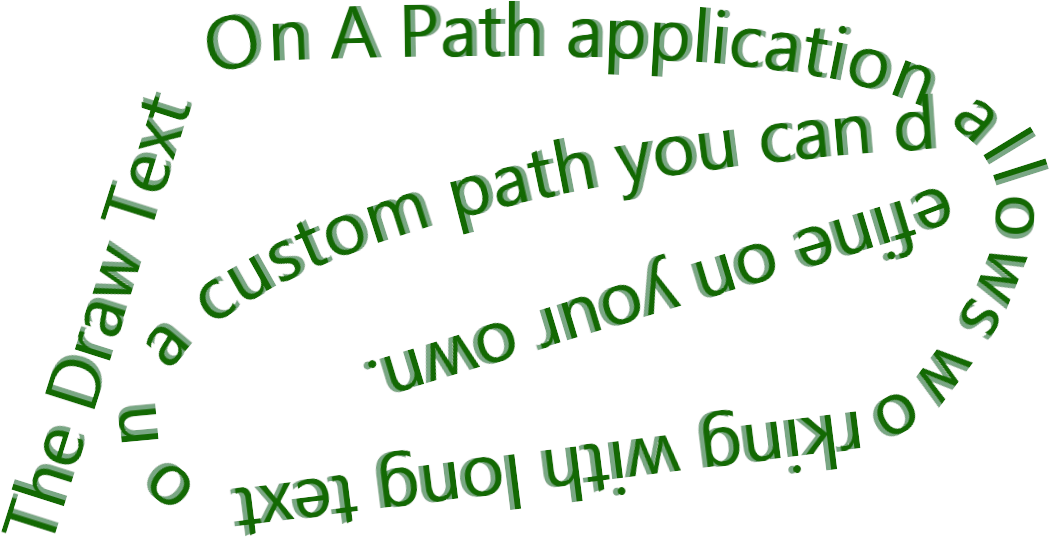
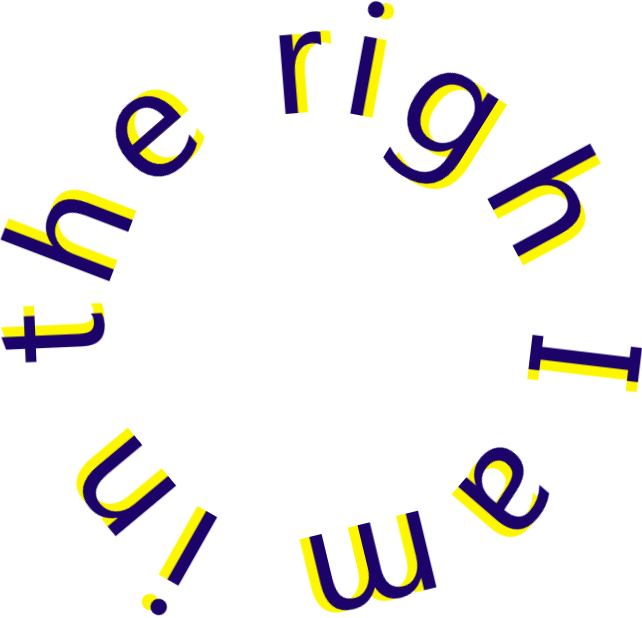
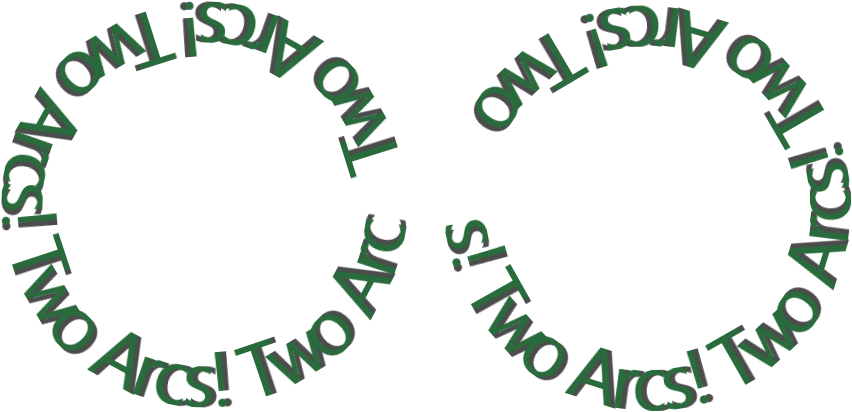
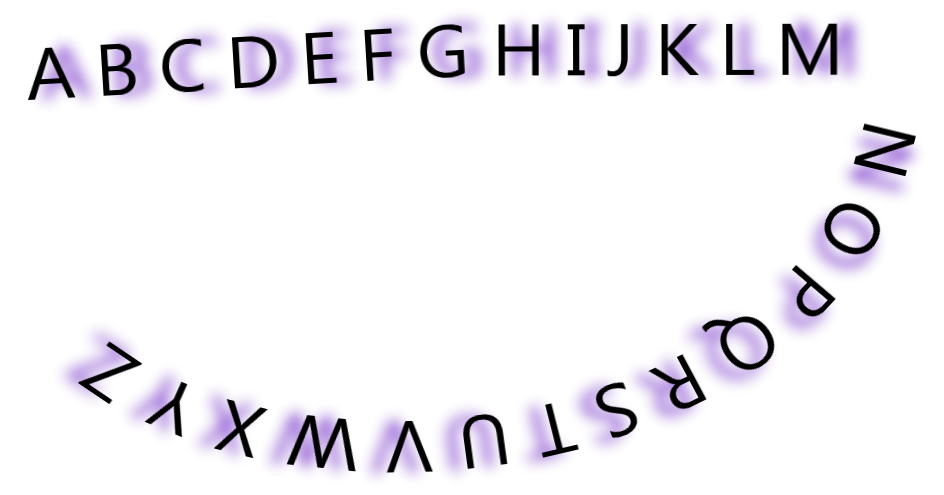
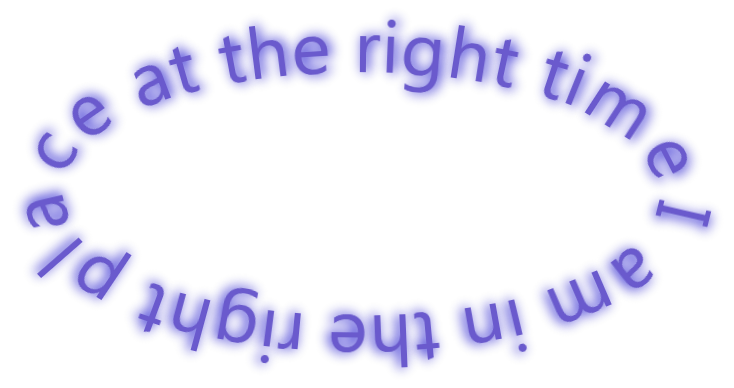
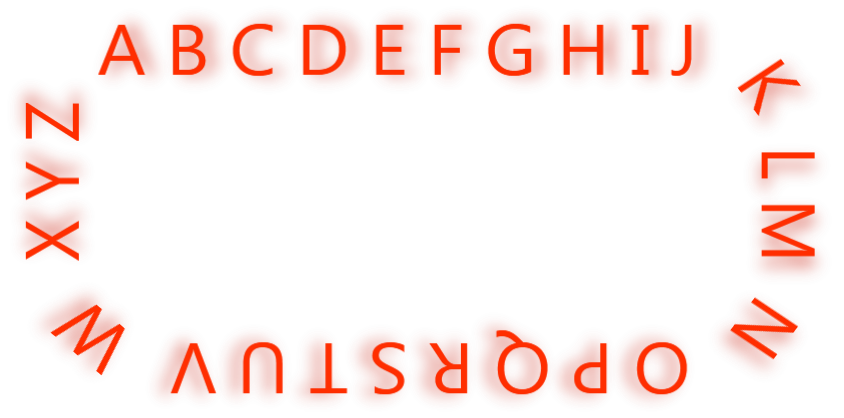
The Draw Text On A Path application is an innovative program which lets you apply different styles to a text which can follow a path, a path which you can freely define. The path the text will follow can be defined using points, arcs, bezier, ellipses, circles and rectangles. Once you've established the path you want your text to follow, you can then beautify the text by changing several values/properties, values related to fonts: Font Size, Font Family, Font Style, Font Weight and also by applying two text effects: the Drop shadow effect and the Blur effect. You can also change the color of the text if you want to.
The application also features several Presets. A preset contains the predefined text, the points and the effects and all these provide a start to easily creating new beautiful text images. A preset can be used by loading it and then you just modify the current text used by the application, it's that easy. Furthermore, you can press the Get Text Image button to get the image of that text as defined by the preset. So using a Preset basically means that you don't have to recreate the path (the position of the points and their type), the values/properties of the effects (colors, font size, etc) to get that specific image of the text because those were already created for you in the Preset, and all you need to do is to plug in the text of your choice.
Here are some of the more prominent features of the application:
to leave a comment.
Rate this product and tell others what you think