ForceDelete PRO
Forcibly Delete Files and Folders Locked by Windows
 for PC
How often have you tried to delete a file or folder and received an error message telling you that access is denied or the file is being used by another program? No matter which message you get, it means the same thing – Windows has locked the file or folder. Thankfully, you can get around this hassle by picking up today’s discount software promotion, ForceDelete PRO!
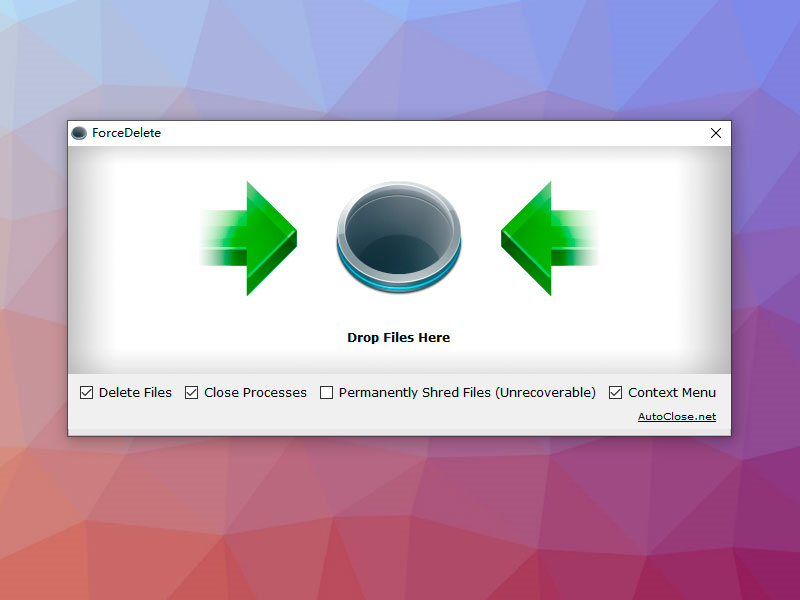
ForceDelete PRO lets you forcibly delete files and folders that have been locked by Windows, without the need for terminating processes. With ForceDelete PRO, you have the option of deleting files and folders while keeping the processes and programs that are using them running.
Best of all, you can invoke ForceDelete PRO by a right-click mouse button menu, or run it in batch command line mode to delete multiple files and folders at once.
to leave a comment.
Rate this product and tell others what you think