NetOptimizer
Automatically Optimize Settings to Maximize Internet Speeds
 for PC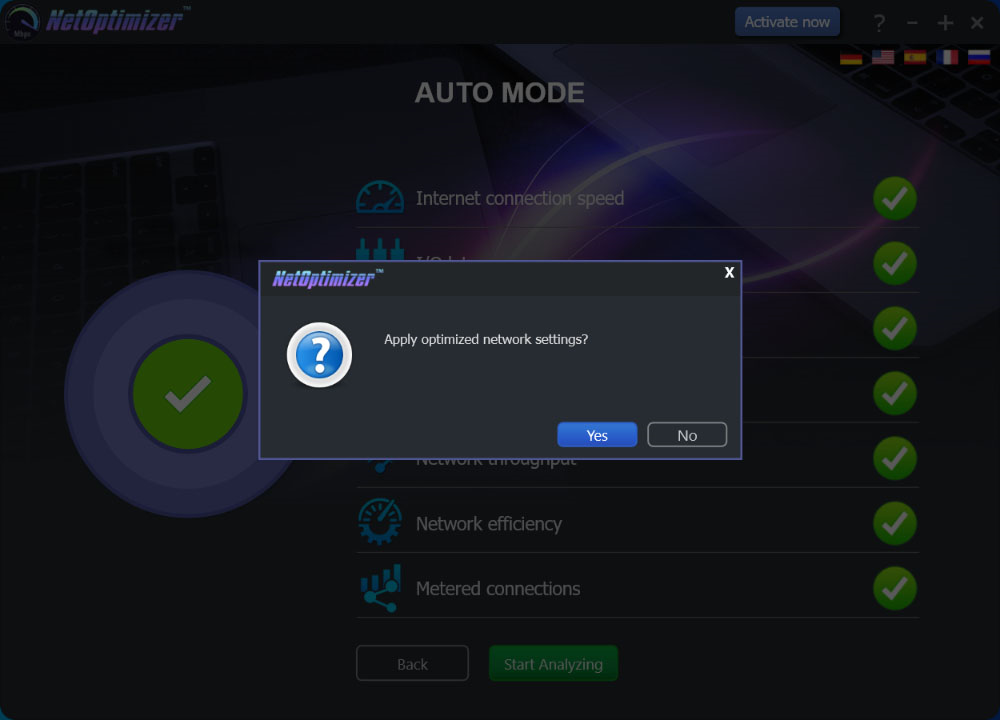
Are you tired of slow Internet connections? Are you blaming your ISP for not delivering what they advertised? Maybe it’s not your ISP – maybe it’s your computer! Get the speed you need by maximizing your connection with today’s discount software promotion, NetOptimizer!
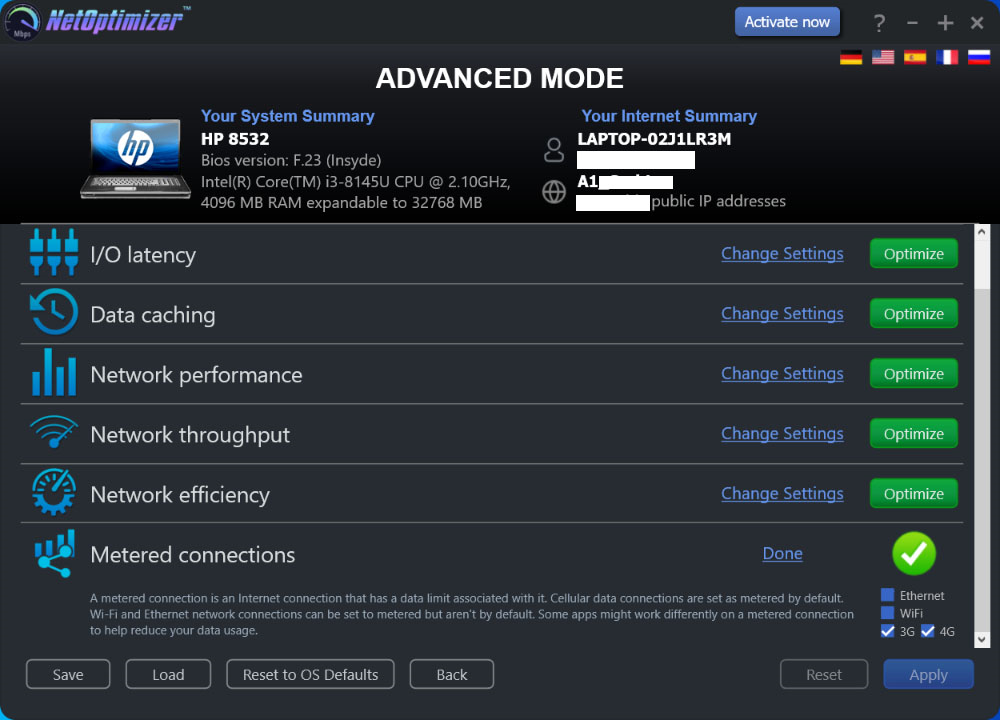
NetOptimizer is a tool designed to optimize your computer’s settings to maximize your Internet speed. With NetOptimizer, you don’t need to have any technical expertise to immediately accelerate your broadband. Just download NetOptimizer, run it, and restart your computer to see the results.
What does NetOptimizer do for you? For one thing, it reviews and fixes incorrect Windows settings that can slow down browsing, and does so in a way that optimized for individual browsers. Next, it cleans up Internet junk that can contribute to sluggishness. Overall, it applies the best parameters to speed up your PC. Of course, you’re also able to configure settings manually if that is your preference.
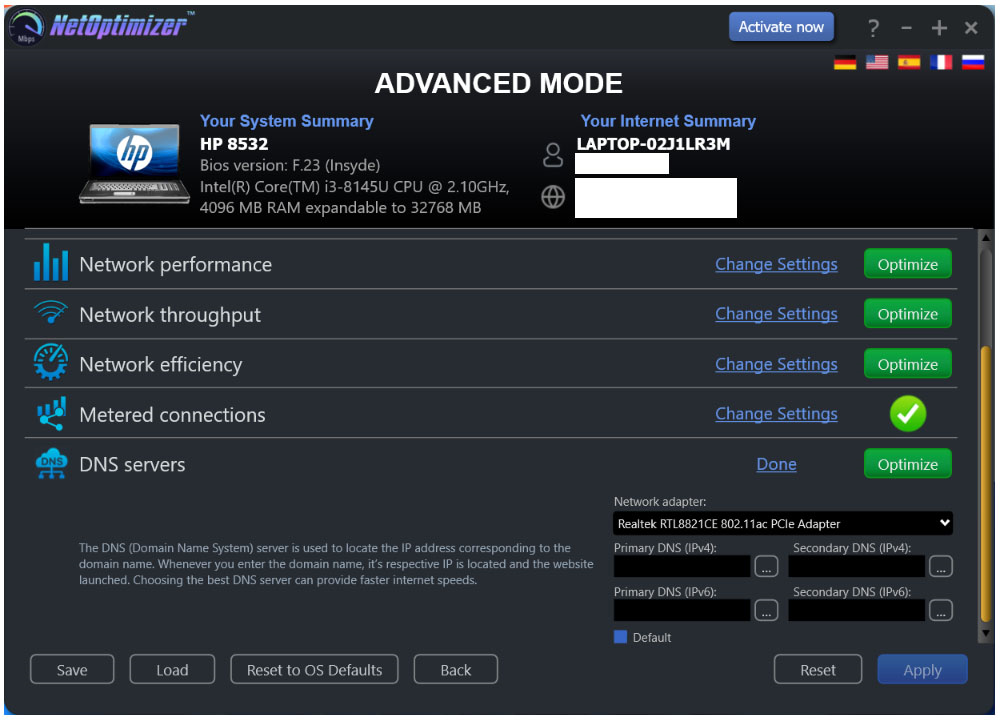
Why I Should Edit My DNS? Every time you open a Web page, your computer uses a DNS server to locate the IP address of the page you’re requesting. The faster the DNS server does its job, the faster the page will load. However, Windows always uses a default DNS (usually set by your ISP), which often makes pages take a while to load.
The new NetOptimizer lets you set your preferred (primary/secondary IPv4/IPv6) DNS server for the selected physical network adapter so that you can choose a faster, more responsive DNS. Moreover, it will locate the best DNS on computer startup and offer you to switch to it automatically (manual mode is also supported).
So don’t waste your money on a new computer or IT consultant. Grab NetOptimizer today and immediately speed up your Internet connection!
to leave a comment.
Rate this product and tell others what you think